
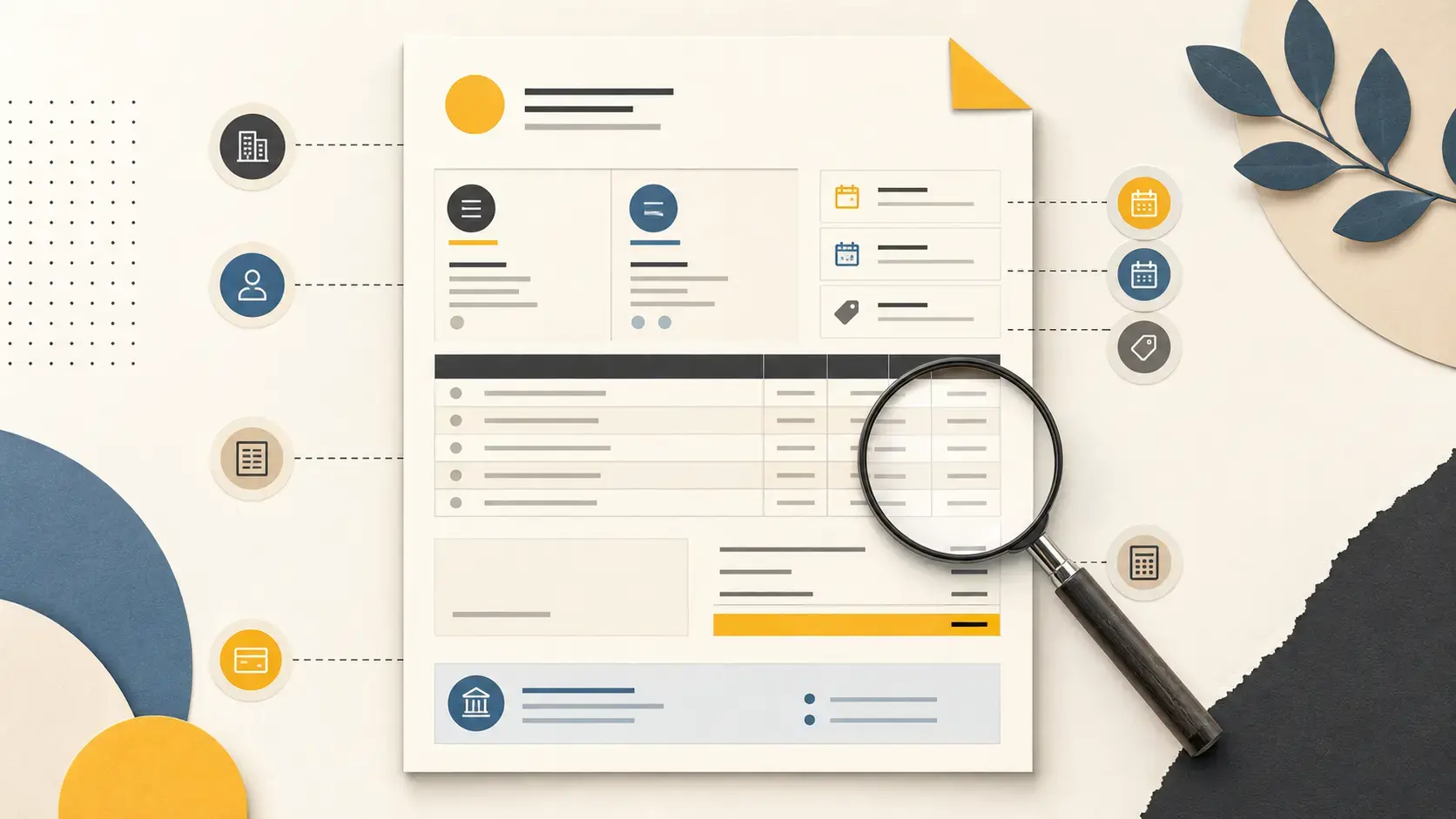
A useful invoice template is a controlled structure, not a pretty blank page. It should preserve the fields required by your jurisdiction, make approval information easy to find, and keep variable details—client, work, dates, taxes, and payment route—from being copied blindly from an old document.
This article covers the anatomy of the template. For visual hierarchy and comprehension, see invoice design psychology. For the last review before delivery, use the pre-send checklist.
1. Supplier identity
Show the legal or registered business name, address, and the registration or tax identifiers required where you operate. Add a trading name or logo if it helps the customer recognize you, but do not let branding obscure the legal supplier.
Useful optional details include a support email, phone number, website, and the name of the person responsible for billing. Keep payment-security instructions separate from general contact details.
2. Customer identity
Use the legal entity that agreed to buy the work, not simply the name of your day-to-day contact. Include the billing address and tax identifier where required. A “for the attention of” contact can help routing, but it does not replace the contracting entity.
For a group of companies, confirm the entity on the purchase order or agreement. Reissuing an invoice to a different company can affect numbering, tax, and audit records.
3. Invoice number and local sequence rules
Use a number that uniquely identifies the document within the relevant sequence. The exact sequence rules depend on the jurisdiction. Avoid recycling a number after cancellation, and preserve an audit trail for corrections rather than silently editing a final record.
Invoice Master suggests a likely next document number but lets users replace or reuse it, including within the same organization. If your local rules require a unique or controlled sequence, maintain that process deliberately and test it with your accountant before adopting the software.
4. Issue date, supply date, and due date
These dates answer different questions:
- Issue date: when the invoice was created or issued.
- Supply or service date: when the goods or services were delivered, if required.
- Due date: when payment must arrive under the agreement.
If the template has no dedicated service-period field, put the period in the line-item description or an appropriate custom field. Show a calendar due date even when you also state “Net 14” or “Net 30.”
5. Purchase-order and project references
Many valid invoices are delayed because they cannot be routed internally. Reserve visible space for a purchase-order number, contract, cost center, project code, buyer name, or vendor identifier when the customer requires one.
Invoice Master has a purchase-order field plus contact, company, and project links. Custom fields can place other references on a document. An internal project relationship is not automatically the same thing as a customer-visible project code, so preview the PDF.
6. Line items
Each row should let a reviewer match the charge to the agreement. Include a specific description, quantity, unit, unit price, tax treatment, and line amount where applicable. State the service period or milestone when timing matters.
Avoid one unexplained “Professional services” line and the opposite extreme of pasting an internal timesheet into the invoice. The right detail supports approval without exposing notes the customer does not need.
7. Subtotal, tax, payments, and balance
Separate the components of the amount due. Depending on the transaction and local rules, that may include subtotal, one or more tax rates and amounts, discounts or credits, previous payments, and final balance. Make the currency unambiguous wherever the total appears.
Tax requirements are not universal. The European Commission’s VAT invoicing overview, for example, lists EU-wide basics and points to national variations. Use the authority governing your transaction rather than copying a foreign template.
8. Payment instructions and terms
Give the customer a complete next step: verified bank details and invoice reference, a payment link, or the required procurement route. State the agreed due date, deposit or milestone treatment, and any legitimate late-payment term. Do not add a surcharge or legal threat that was never agreed.
What Invoice Master templates actually customize
Invoice Master offers five PDF layouts for invoices and quotes. Organization settings cover the logo, default layout, footer, line-item labels and visibility, default custom fields, and invoice or quote email copy. Individual documents add their own parties, currency, line items, notes, and custom fields.
That is enough to create a consistent document system, but it is not a drag-and-drop canvas. The safest setup is to configure one organization carefully, generate a realistic two-page PDF, and have a qualified adviser check it against the legal and tax rules that apply to your business.