
Supplier bills entered by your team
Use it when expenses are recorded as bill records with supplier details, dates, line items, tax, and totals.
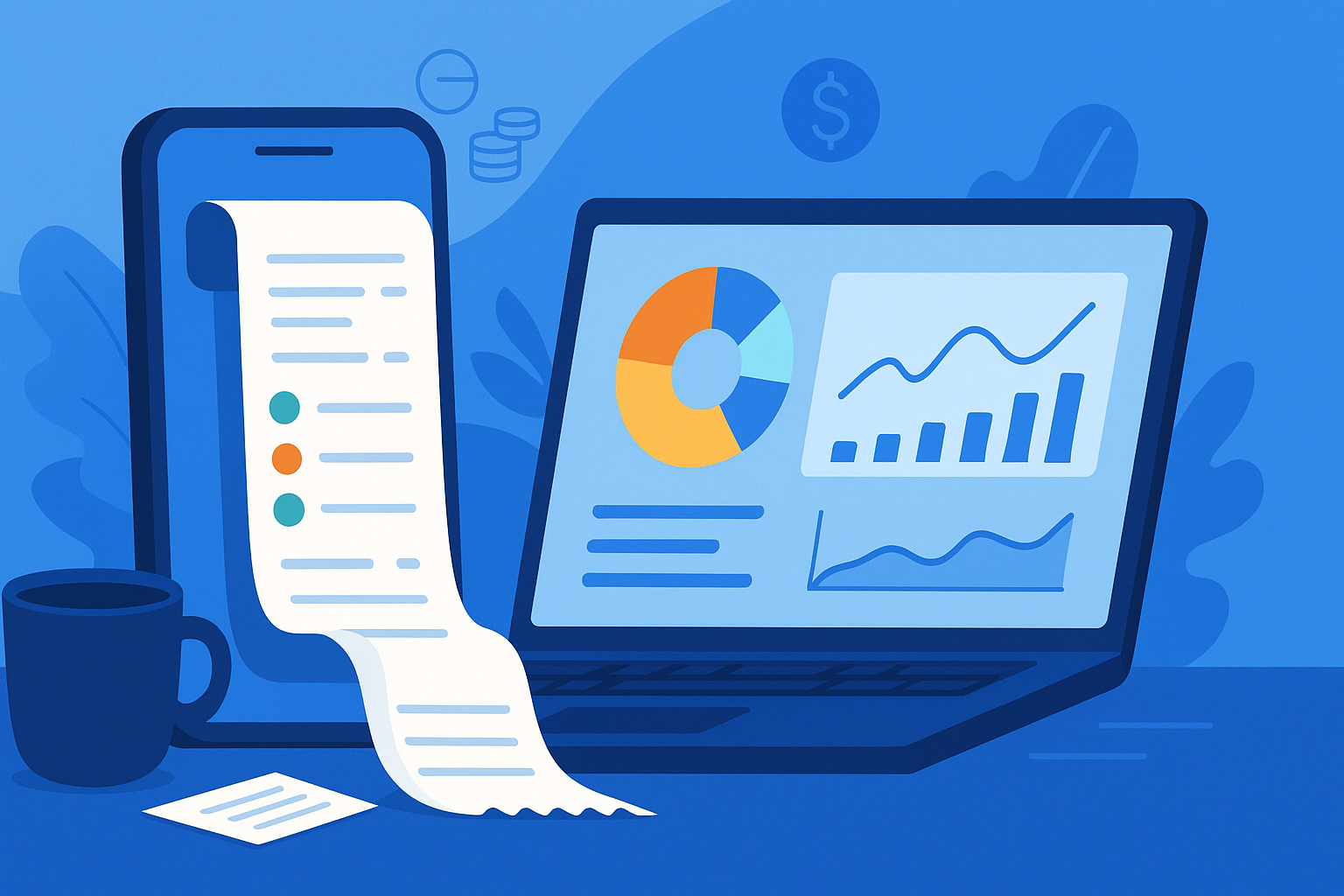
Prepare the work
Record supplier bills and business expenses with line items, tax, due dates, project links, and cash-flow reporting for clearer cost visibility.
Core capabilities
The essential controls for moving this part of your billing workflow forward.
Capture the supplier or sender, bill number, supplier invoice reference, issue date, due date, and notes for each payable record.
Add product or custom line items with quantities, unit prices, and tax rates so subtotals and totals stay clear.
Link a bill to a project when the cost belongs to a specific job, then review project-related bills from the project workspace.
Use bill number and sender filters, sortable columns, pagination, and batch delete actions to manage expense records without losing context.
Cash-flow reports include bill-based expense totals and bill counts by period, so recorded costs can be compared with collected payments.
Edit bill details, dates, line items, footnotes, and project links when supplier paperwork or internal tracking needs to be corrected.
Good fit
Use it when expenses are recorded as bill records with supplier details, dates, line items, tax, and totals.
Use it when supplier costs should be linked to a project and reviewed alongside the related client work.
Use it when bill-based expenses need to appear beside collected payments in cash-flow reporting.
From start to finish
A practical sequence you can adapt to the way your team already works.
Enter the supplier or sender, bill number, supplier invoice reference, issue date, and due date.
Record the products, services, quantities, unit prices, and tax rates that make up the expense.
Select a project when the bill belongs to a job, service engagement, or client delivery cost.
Filter by bill number or sender, sort the table, and remove outdated records when cleanup is needed.
Use cash-flow reporting to compare recorded expenses with incoming payments over the selected period.
Keep exploring
Connect Expense Tracking & Bills with the next useful part of your workflow.
Use each project as a billing and document hub: link quotes, invoices, bills, time entries, and notes, then review the financial activity recorded for the job.
Export business records in the formats your team needs for reporting, reconciliation, and record-keeping.
Run end-to-end invoicing for small business with quotes, recurring billing, payment collection, reminders, and connected client records.
Details
Yes. You can record supplier bills with bill numbers, supplier invoice references, dates, footnotes, line items, tax, and totals.
Yes. Bills can be linked to projects so project-related costs stay visible next to the work they belong to.
Yes. Cash-flow reports use recorded bills to show expense totals and bill counts by period alongside collected payments.
Yes. Cash-flow reports can be exported, including the expense totals and bill counts used in the report.
No. Bill attachments are not supported right now.
No. Expense tracking is based on bill records you enter in the workspace, not receipt scanning or bank transaction imports.
Ready when you are
Set up the workflow in your account and keep the work connected from the first record to the final payment.