
Retainers and ongoing service agreements
Use it when the same customer receives a stable monthly service, maintenance plan, membership, or recurring allowance that should be prepared on a predictable date.
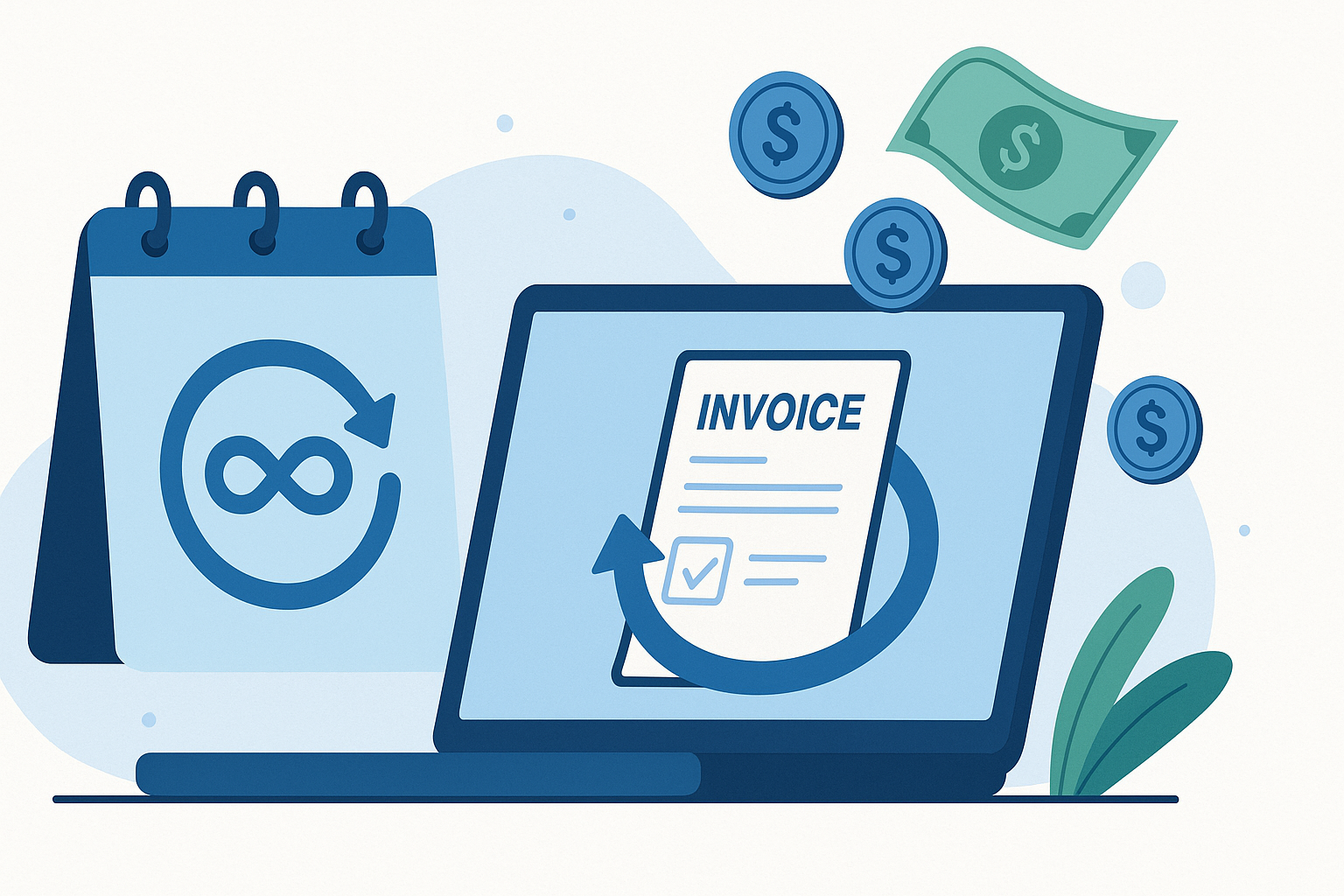
Get paid
Save repeat billing details once, then let Invoice Master create each invoice on schedule. Review a draft before sending, or automatically email it with Premium.
45-second overview
Set the schedule and payment terms, then choose how each invoice goes out. The repeated work is already taken care of.
English narration · Captions included
Recurring invoices handle billing that repeats. You save the customer and services once, then choose the schedule and payment terms that fit your business.
Each time the schedule comes around, Invoice Master creates the next invoice with those details and the right dates. You choose how it goes out: save a draft for review, or automatically email it with Premium.
When you review a draft, you can adjust it for that billing period without rebuilding the recurring setup. So whether you review each invoice or automate delivery, the repeated work is already taken care of.
Recurring billing controls
Reuse the stable parts of repeat billing and choose how much to automate, from preparing a draft to emailing the invoice to your customer.
Set up sender and recipient details, line items, quantities, unit prices, tax rates, footnotes, and the first issue date for a retainer, maintenance plan, membership, or service contract.
Choose a daily, weekly, monthly, or yearly recurrence and set the interval amount. That supports patterns such as every two weeks, every month, or once a year.
Use due-on-receipt or net-day payment terms so each invoice receives a due date calculated from its scheduled issue date.
Use list, schedule, and detail views to check upcoming issue dates, recipients, recurrence details, payment terms, and totals before an invoice is generated.
When a schedule is due, Invoice Master creates the next invoice from the saved details and advances the template to its next future issue date.
Leave automatic delivery off to save each invoice as a draft. Review the details and make adjustments for that billing period before sending it.
Update the saved details when the price, scope, recipient, payment terms, or billing rhythm changes. Set an end date when the agreement has a final billing period.
Enable automatic delivery on the schedule and choose the recipient email. Invoice Master issues and emails each generated invoice. The customer still chooses when to pay.
Your automation options
Choose draft review or automatic delivery. Payment links let your customer pay online; recurring schedules do not charge a saved payment method.
| Capability | Invoice Master support |
|---|---|
| Generate an invoice when the schedule is due | Yes |
| Advance the template to its next issue date | Yes |
| Email the generated invoice automatically | With Premium; enable automatic delivery and set a recipient email on the schedule |
| Create a payment link automatically | With Premium, a connected Stripe account, and automatic payment links enabled in organization settings |
| Charge a saved card or bank account | No |
| Carry attachments into generated drafts | No; recurring templates do not support attachments |
| Generate drafts on the Free plan | Included; generated drafts count toward the five-invoices-per-month limit |
Good fit
Use it when the same customer receives a stable monthly service, maintenance plan, membership, or recurring allowance that should be prepared on a predictable date.
Use automatic email with Premium when the saved details are ready to send each cycle. Choose draft review for agreements that need a one-off adjustment before delivery.
Use it when upcoming daily, weekly, monthly, or yearly issue dates should remain visible instead of living in a calendar reminder or spreadsheet.
Recurring invoice workflow
Save the details once, choose the schedule, and decide whether each invoice needs a review or can be emailed automatically.
Use a recurring schedule when the customer, cadence, service, and usual price stay reasonably stable. Keep usage-based or milestone billing in a more manual workflow.
Add the sender, recipient, reusable line items, tax rates, footnotes, payment terms, and first issue date that should be copied into future invoices.
Choose the interval amount and a daily, weekly, monthly, or yearly unit that matches the client agreement. Add an end date if billing should stop after a set period.
Leave automatic delivery off for drafts you can review, or enable it with Premium and choose the recipient email for automatic delivery.
When the schedule is processed on or after its next issue date, Invoice Master creates the invoice, calculates its due date, and follows your delivery choice.
If you chose draft review, make any one-off adjustments before sending. Update the recurring template when a change should also apply to future invoices.
Keep exploring
Connect recurring invoices with online payments, customer reminders, and the rest of your billing workflow.
Read the scheduled recurring-invoice workflow guideSchedule invoice reminder emails and choose who receives them. Pause or adjust follow-up for individual invoices.
Create quotes and estimates with line items, tax, validity dates, custom fields, public links, attachments, email delivery, and invoice conversion.
Share an invoice payment link so customers can pay through Stripe. For unpaid invoices marked Issued, Invoice Master checks and records the full payment.
Recurring invoice details
Recurring invoice software saves repeat billing details and uses a schedule to create future invoices. Invoice Master can save each invoice as an editable draft or automatically issue and email it with Premium.
A recurring invoice schedule creates a billing document at a chosen interval and can email it automatically with Premium. Subscription billing usually charges a stored payment method automatically. Invoice Master does not charge a saved card or bank account through recurring schedules.
Recurring templates support daily, weekly, monthly, and yearly frequencies with configurable interval steps, such as every 14 days, every two weeks, or every three months.
Invoice Master creates an invoice from the saved template, calculates the due date from the payment terms, and advances the template to its next future issue date. With automatic delivery enabled on Premium, it also issues and emails the invoice; otherwise, the invoice stays as a draft.
Yes, with Premium. Enable automatic delivery on a recurring schedule and set the recipient email. Invoice Master will issue and email each generated invoice. Leave automatic delivery off if you prefer to review and edit a draft before sending.
No. Recurring schedules do not charge a saved card or bank account. Premium users can connect Stripe and enable automatic payment links in organization settings so generated invoices include a link. The customer opens the link and completes payment.
Yes. With automatic delivery off, each generated invoice stays as a draft. Change its dates, line items, price, tax, notes, or other supported details before sending. These one-off edits do not change the recurring template.
Yes. List and schedule views show upcoming issue dates and template details, while the recurring invoice detail view previews the next scheduled occurrences.
Yes. Recurring templates support due-on-receipt and net-day payment terms, with organization defaults available for new templates.
Yes. Edit a template when its line items, pricing, recipient details, footnotes, payment terms, or schedule changes. Set an end date to stop after the final scheduled occurrence on or before that date, or delete the template when it is no longer needed.
No. Recurring templates do not accept attachments, and generated drafts do not receive files automatically. Add any supported attachment later through the regular invoice workflow.
Recurring schedules are included on the Free plan, but each generated draft counts toward the ordinary five-invoices-per-month limit. If that limit is already reached, generation is skipped and the schedule advances to its next date. Premium removes the monthly invoice-count limit.
Use a more manual workflow when quantities, prices, tax treatment, milestones, or customers change every cycle. A recurring template is most useful when the repeated details are stable enough to reuse and still easy to verify before sending.
Ready when you are
Set up the workflow in your account and keep the work connected from the first record to the final payment.