
Consistent client-facing documents
Use it when invoices and quotes should follow selected templates instead of looking different from one send to the next.
Prepare the work
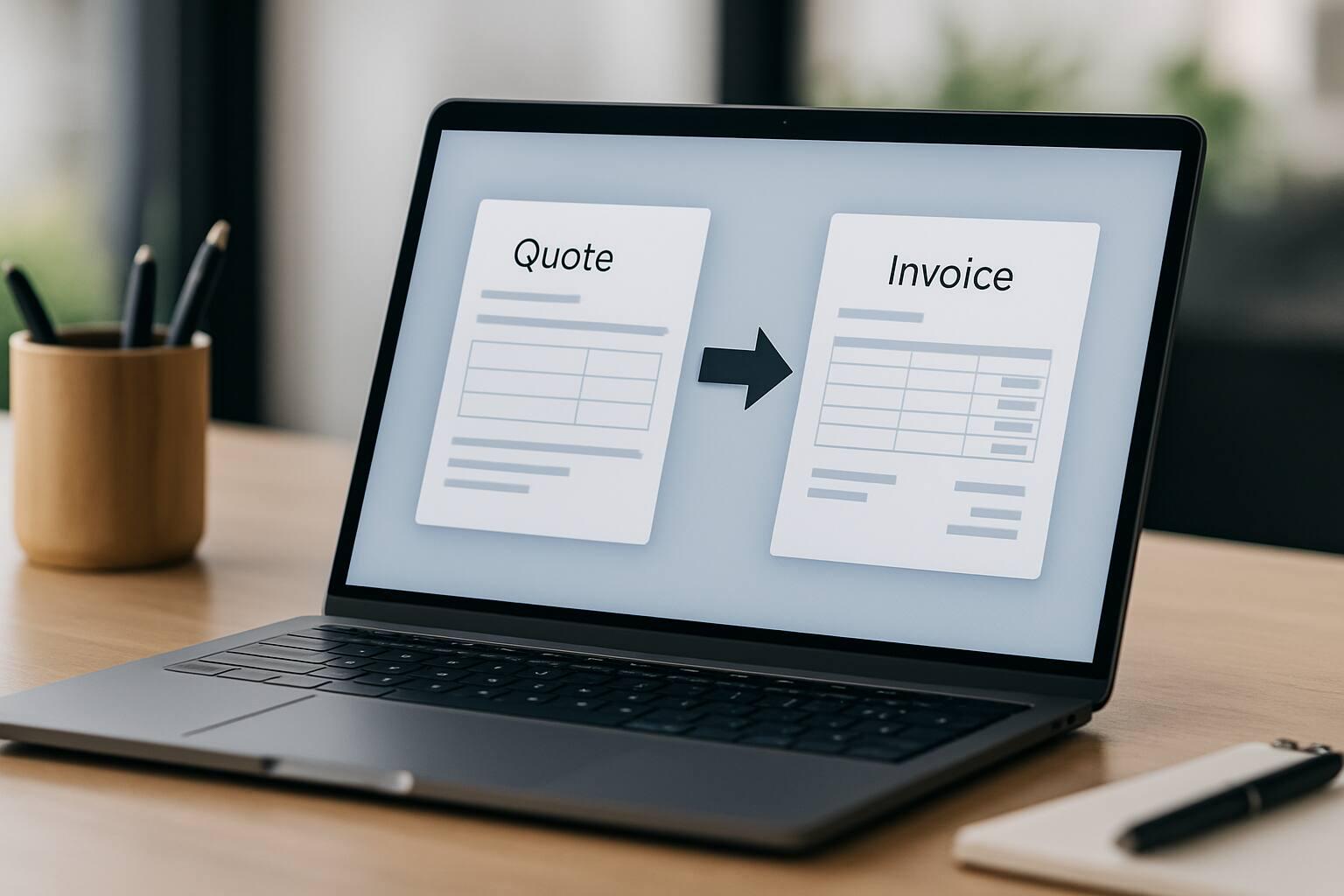
Customize invoice and quote templates, preview sample PDFs, and tailor send-invoice and send-quote email templates for consistent branding.
Core capabilities
The essential controls for moving this part of your billing workflow forward.
Choose distinct template layouts for invoices and quotes, so each document type matches your preferred presentation style.
Download sample PDFs for each template option before applying updates, so teams can review branding and readability in advance.
Configure send-invoice and send-quote email templates with merge tags for document fields, client details, company details, and view links.
Good fit
Use it when invoices and quotes should follow selected templates instead of looking different from one send to the next.
Use it when the team needs sample PDF previews before committing to a document template.
Use it when send-invoice and send-quote emails need saved wording with supported merge tags.
From start to finish
A practical sequence you can adapt to the way your team already works.
Choose the template options that match your preferred design for each document type.
Review sample PDFs for selected templates before publishing template updates.
Enable custom email templates and save branded send-invoice or send-quote communication.
Keep exploring
Connect Invoice and Quote Template Customization with the next useful part of your workflow.
Create quotes and estimates with line items, tax, validity dates, custom fields, public links, attachments, email delivery, and invoice conversion.
Give invited clients a dedicated portal to review shared invoices and quotes, manage membership access, use familiar regional formats, and download branded PDFs.
Create read-only public invoice links that clients can open without a login, use for PDF download, and lose access to when a link expires or is deleted.
Details
Yes. Invoice templates and quote templates are configured independently.
Yes. Sample PDF previews are available for each template option.
Yes. Send-invoice and send-quote email templates can be customized with supported merge tags.
Ready when you are
Set up the workflow in your account and keep the work connected from the first record to the final payment.