
Proposals before invoicing
Use it when a client needs a priced quote or estimate before the work becomes an invoice.
Prepare the work
Create quotes and estimates with line items, tax, validity dates, custom fields, public links, attachments, email delivery, and invoice conversion.
Core capabilities
The essential controls for moving this part of your billing workflow forward.
Create quote records with sender and recipient details, quote numbers, titles, descriptions, issue dates, valid-until dates, currency, line items, tax rates, and totals.
Add custom quote fields, footer notes, and private internal notes so each estimate has the context your team needs without cluttering the client-facing view.
Link a quote to a contact, company, or project when the estimate belongs to a known client or a specific body of work.
Public quote links can be copied on any plan. Premium email delivery can send that link with PDF support, including copy recipients when a quote needs to reach more than one person.
Create public quote links on any plan, remove those links when access should end, and let clients download a public quote PDF.
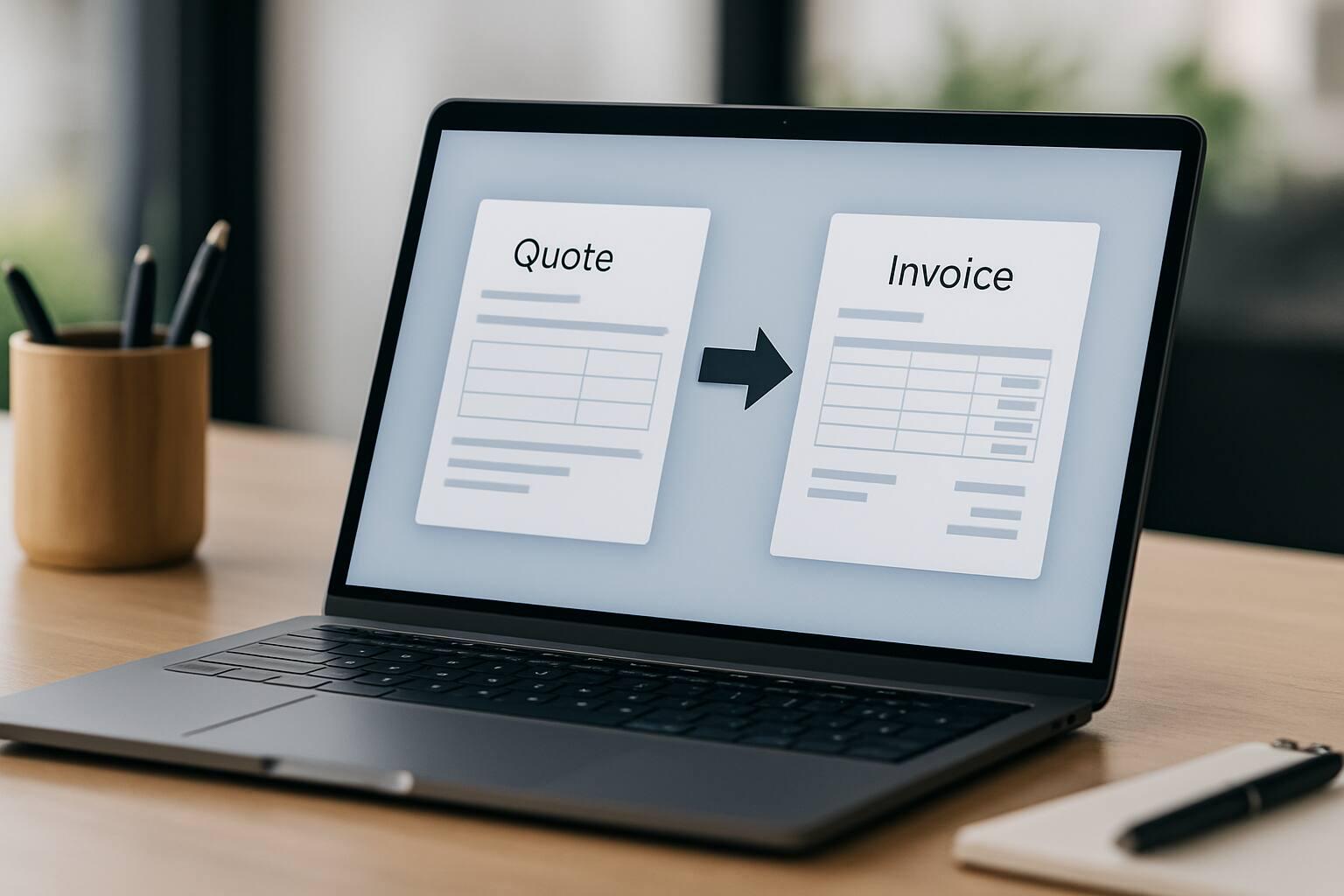
Follow draft, sent, accepted, rejected, and expired quote statuses, then convert the quote into a new invoice draft with customer, project, currency, and line items carried over.
Good fit
Use it when a client needs a priced quote or estimate before the work becomes an invoice.
Use it when the client should review quote details online, download a PDF, or receive the quote by email.
Use it when quote details, line items, customer context, and project context should carry into a new invoice draft.
From start to finish
A practical sequence you can adapt to the way your team already works.
Enter the quote number, sender, recipient, title, description, issue date, validity date, and currency.
Use saved products or custom rows, set quantities, unit prices, tax rates, and review the calculated totals.
Attach a contact, company, project, custom fields, footer notes, or private notes so the quote fits the actual client work.
Create a public quote link, download a PDF, or use premium email delivery for the client review process.
When the quote is ready for billing, generate a new invoice draft from the quote details and continue the invoice workflow.
Keep exploring
Connect Quote & Estimate Software with the next useful part of your workflow.
Save repeat billing details once, then let Invoice Master create each invoice on schedule. Review a draft before sending, or automatically email it with Premium.
Schedule invoice reminder emails and choose who receives them. Pause or adjust follow-up for individual invoices.
Share an invoice payment link so customers can pay through Stripe. For unpaid invoices marked Issued, Invoice Master checks and records the full payment.
Details
Yes. A quote can generate a new invoice draft with the sender, recipient, customer link, project link, currency, and line items carried over.
Yes. Public quote links are available on every plan, so clients can view quotes without logging in and you can remove those links when access should end.
Yes. Public quote links are available on every plan, while premium email delivery can send the quote link and use copy recipients when needed.
Yes. Premium accounts can add up to three quote attachments for supporting files such as scope notes or reference documents.
Quotes support draft, sent, accepted, rejected, and expired statuses for full lifecycle tracking.
Yes. Quotes can be linked to contacts, companies, and projects when the estimate belongs to a specific customer or job.
Ready when you are
Set up the workflow in your account and keep the work connected from the first record to the final payment.