
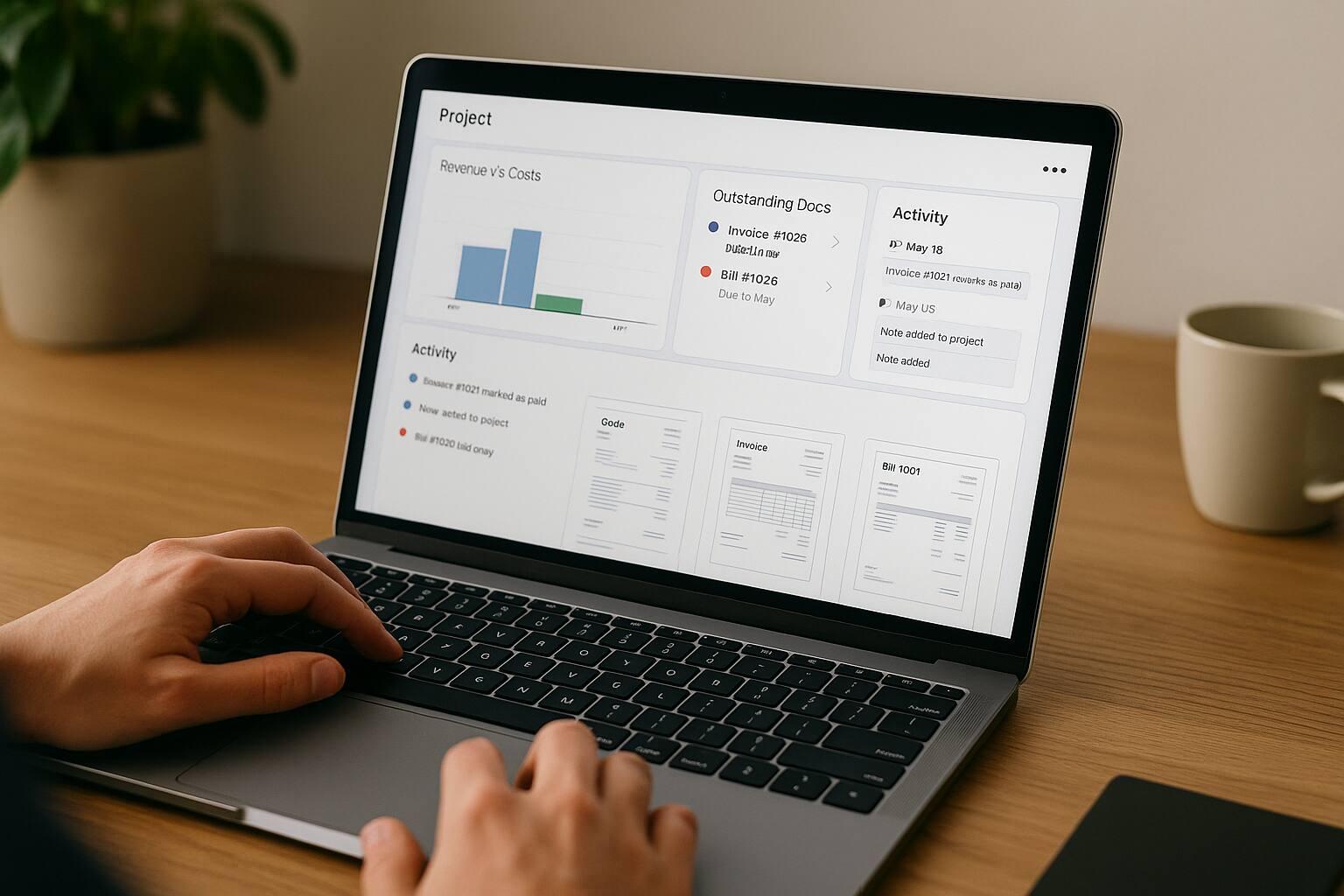
An Invoice Master project is a financial and document context for a job. It can group quotes, invoices, bills, time entries, and Markdown notes under a project name, code, date range, and status. That is useful for answering: What have we proposed, billed, collected, and spent for this job?
It is not a full project-management suite with budgets, milestones, files, comments, dependencies, or task-to-invoice automation.
Product check, July 12, 2026: Basic supports one project and up to 40 hours of time entries per month. Premium removes those entitlements.
Create a project when the job needs its own history
Use a project for work that spans multiple documents, contains billable time, or needs an income-versus-expense view. Give it a stable code that can also appear in customer-facing references where required. Add the start and end dates, status, and concise notes about scope or billing assumptions.
Do not put credentials, full contracts, or sensitive files in Markdown notes. The project has no general file repository or discussion thread.
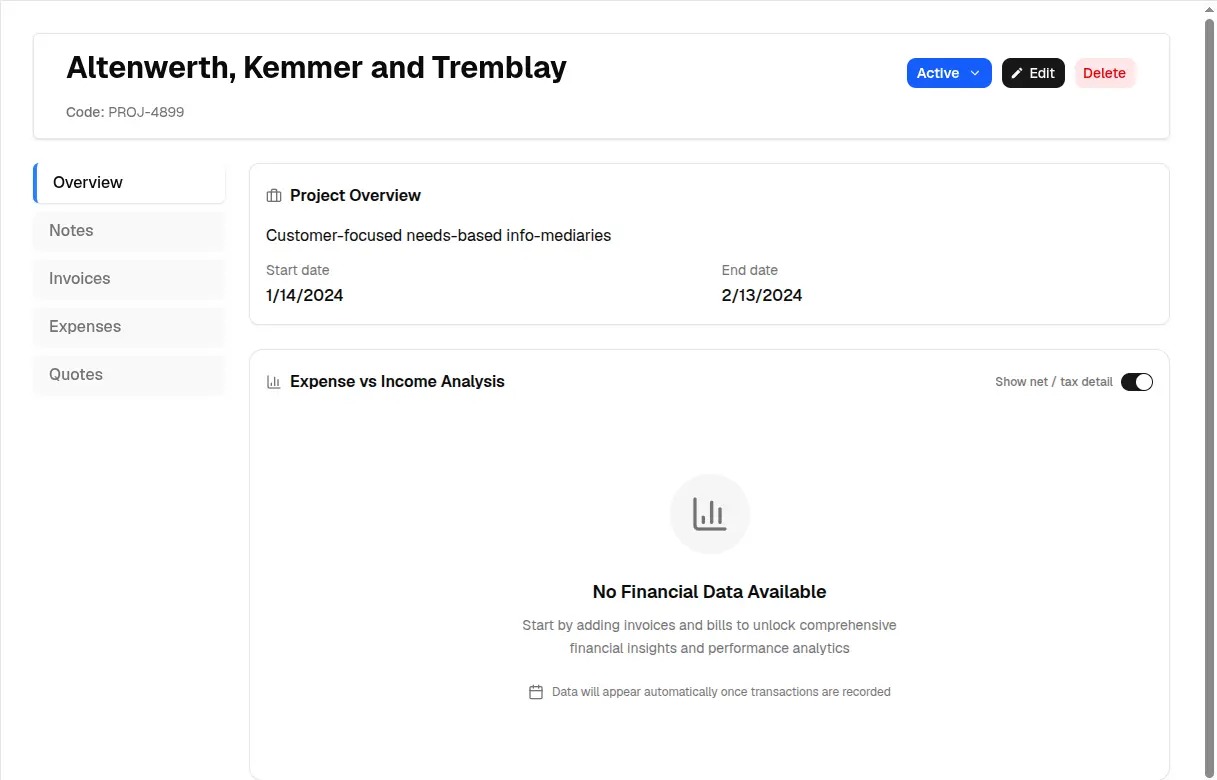
Seeded demo project, captured July 12, 2026. Empty financials demonstrate that a project alone does not create income or expense data.
Link commercial documents deliberately
Quotes, invoices, and bills can carry a project relationship. Linking them makes the project page useful, but it does not change the commercial behavior of the document:
- a linked quote still needs the appropriate acceptance evidence;
- quote conversion opens a new invoice draft with the project identifier prefilled;
- a linked invoice follows its own issue, payment, and collection workflow; and
- a linked bill contributes an expense record but has no paid/unpaid status, as detailed in the bill and expense workflow.
Review the project link when duplicating or converting documents. A copied customer or line item does not prove the new document belongs to the same job.
Turn selected time into invoice lines
Time entries can link to a project, contact, and profile. The time tracking and invoicing workflow lets you select entries, set an hourly rate and tax, and choose whether time appears in combined or separate line items. It then navigates to a new invoice draft with those line items prefilled.
This is not an automatic invoice. Before saving, verify:
- which entries are contractually billable;
- whether descriptions are suitable for the customer;
- the rate, quantity, tax, and currency;
- whether entries should be grouped or itemized;
- the invoice dates and purchase-order reference; and
- whether previously billed time is being selected again.
The plan’s 40-hour Basic limit applies to time tracked during the month, not simply the hours eventually billed.
Read the project financial view correctly
The project widget derives its view from linked documents. Paid invoices contribute realized income. Issued and partially paid invoices can contribute outstanding income. Bills contribute expenses. The view also exposes net and tax detail and a net-profit trend.
This is operational insight, not a full profitability statement. It may omit payroll, subcontractor time not entered as bills, overhead, depreciation, processor fees, exchange-rate effects, and other costs kept elsewhere. Bills also lack a payment status, so their presence is not proof that cash has left the bank. The dashboard and reports field guide applies the same interpretation discipline at organization level.
Call the result “project financials from Invoice Master records,” not audited project profit.
A repeatable project closeout
- Confirm the final quote or scope and acceptance evidence.
- Review all project-linked time and select the billable entries.
- Enter or verify supplier bills and external cost evidence.
- Create the final invoice draft and inspect the line-item presentation.
- Reconcile invoice payments, refunds, or chargebacks.
- Compare linked income and bills with records outside Invoice Master.
- Update project notes and status with the closeout outcome.
- Export or retain the supporting documents required by your policy.
What belongs elsewhere
Use another system when you need project budgets versus actuals, resource capacity, task dependencies, client file review, formal change orders, purchase commitments, or detailed job costing. Invoice Master boards can organize tasks, but the standard board creation path and task model should not be treated as a guaranteed project task hierarchy.
The project’s strength is narrower: it keeps the commercial documents, time-billing handoff, and a useful financial summary in one context. When that matches the job, it replaces a surprising amount of manual searching without pretending to run the whole project.